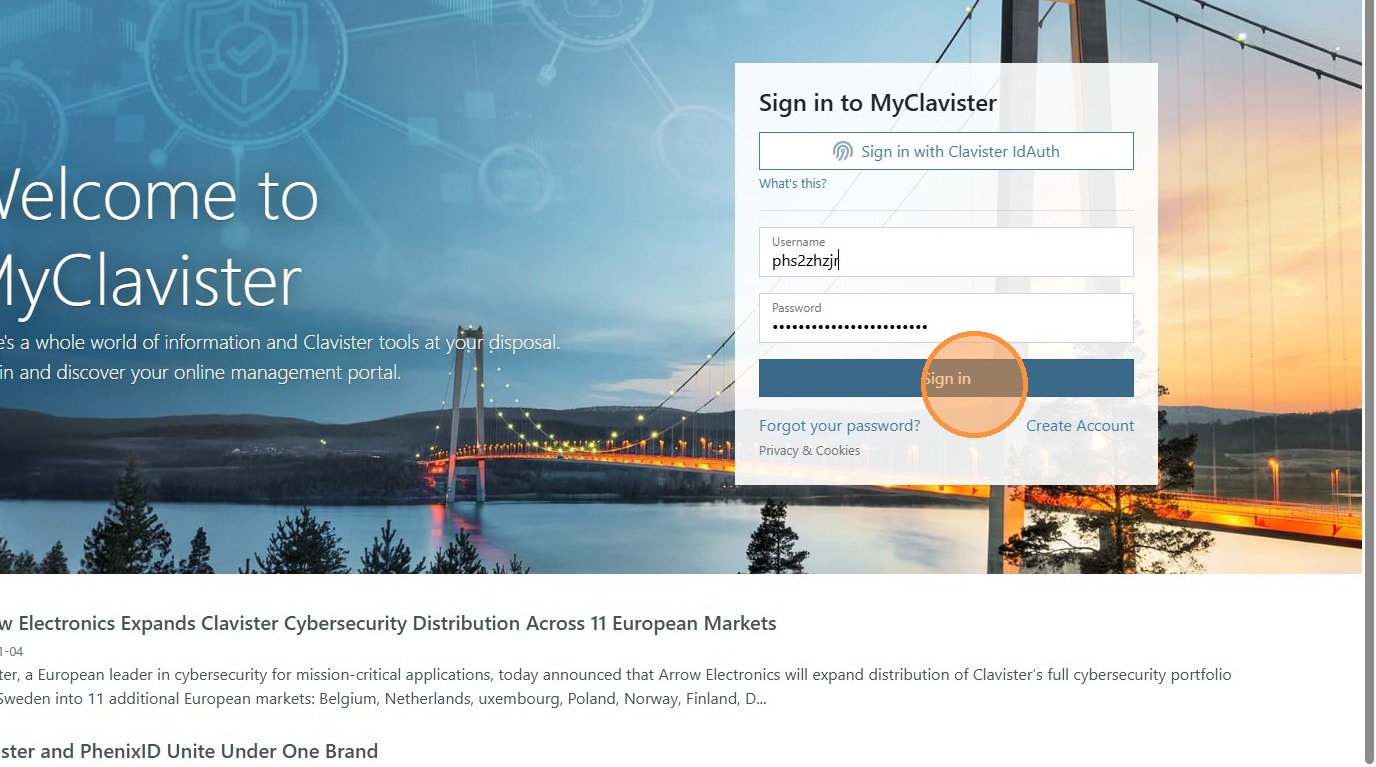
First login to Myclavister.com
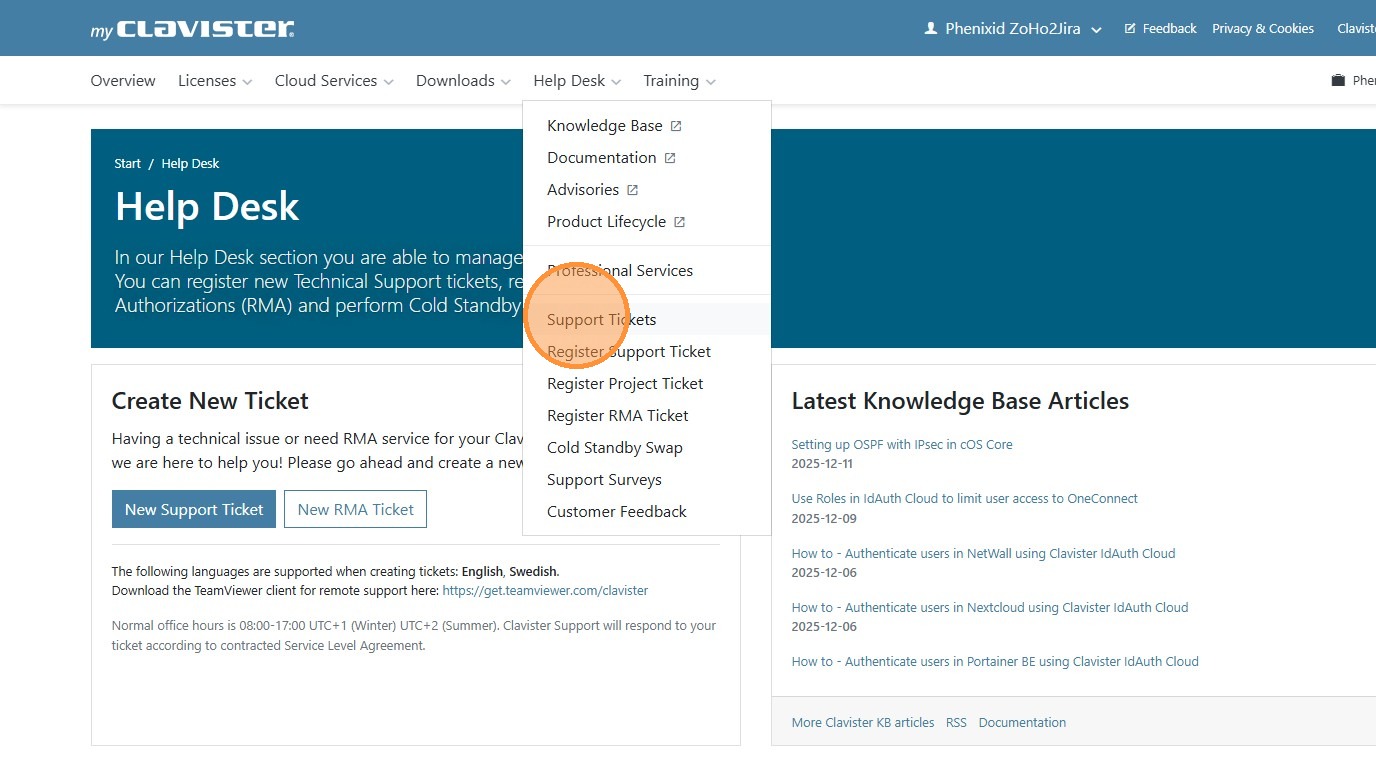
Then select Helpdesk and in the submenu select Support Ticket
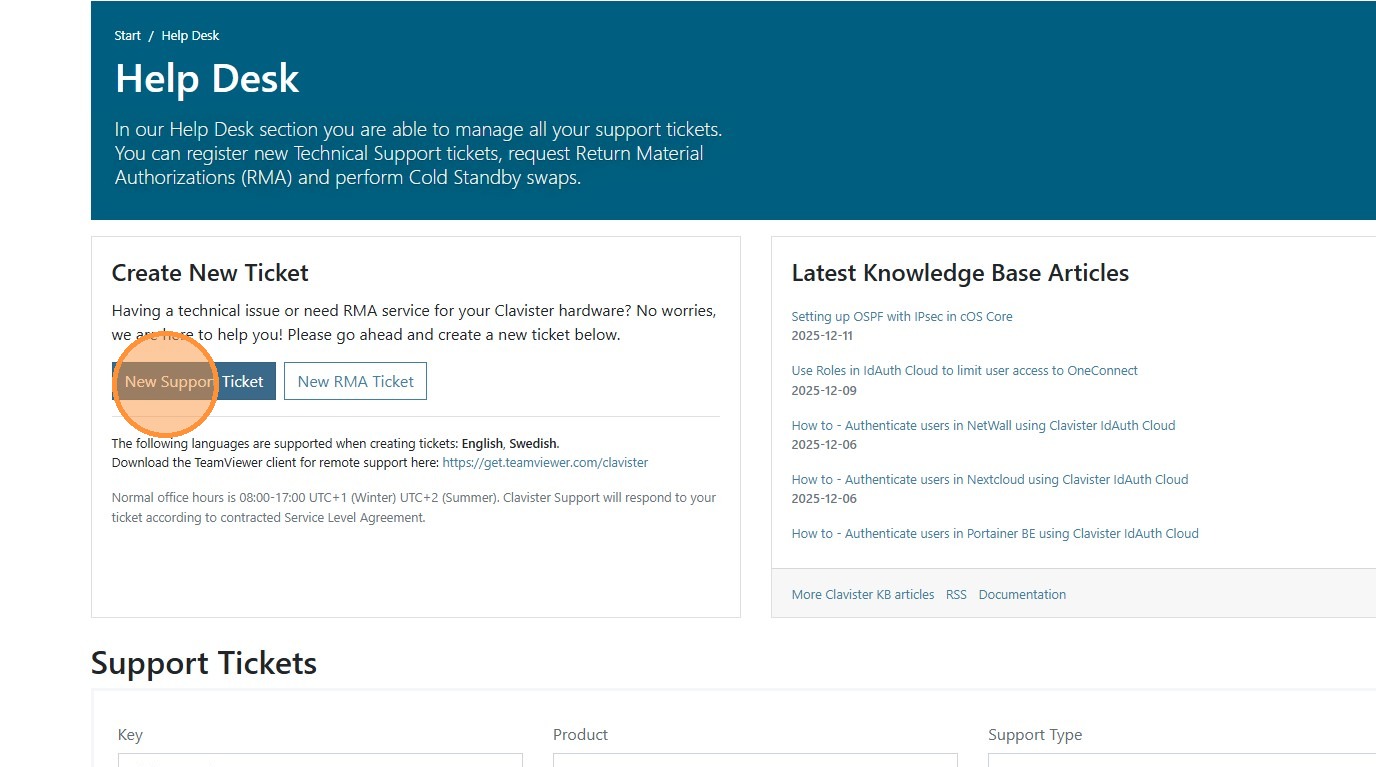
Select to create new ticket
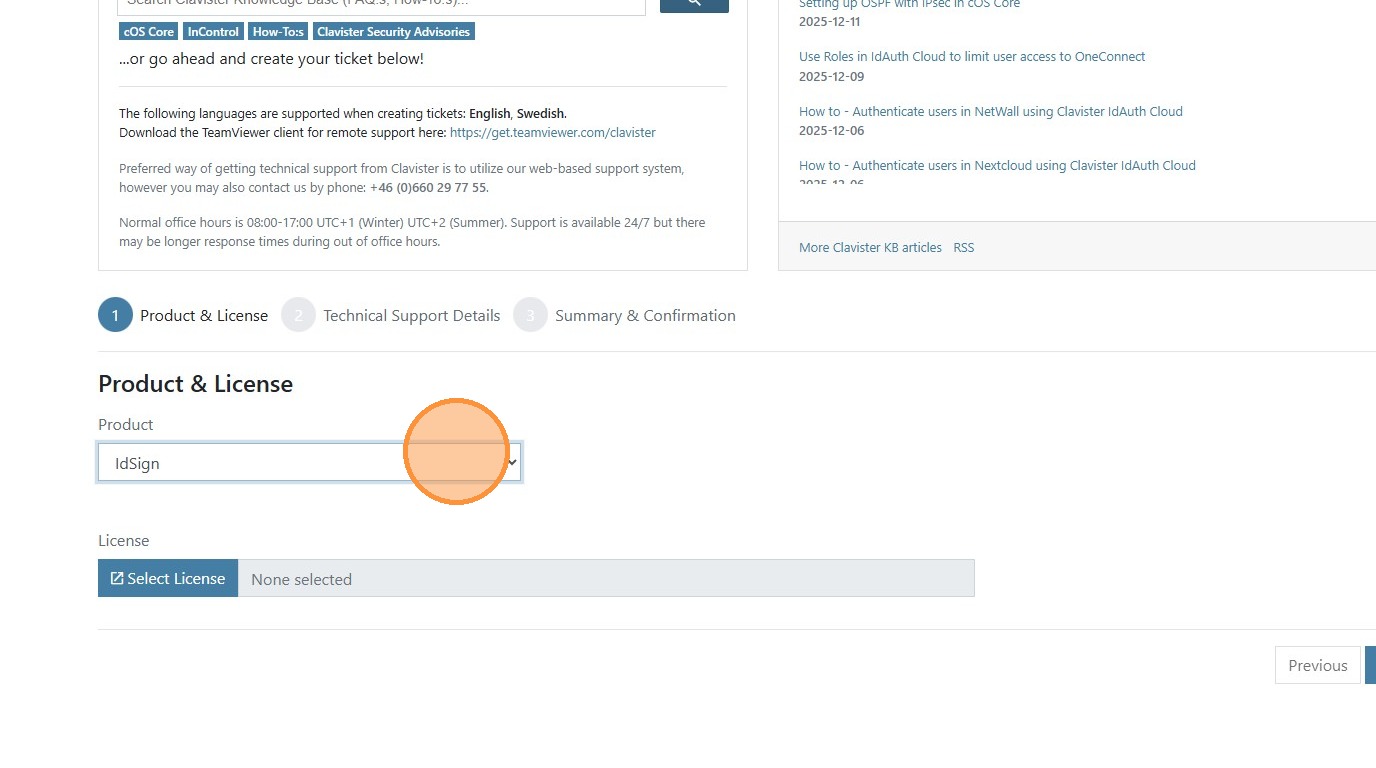
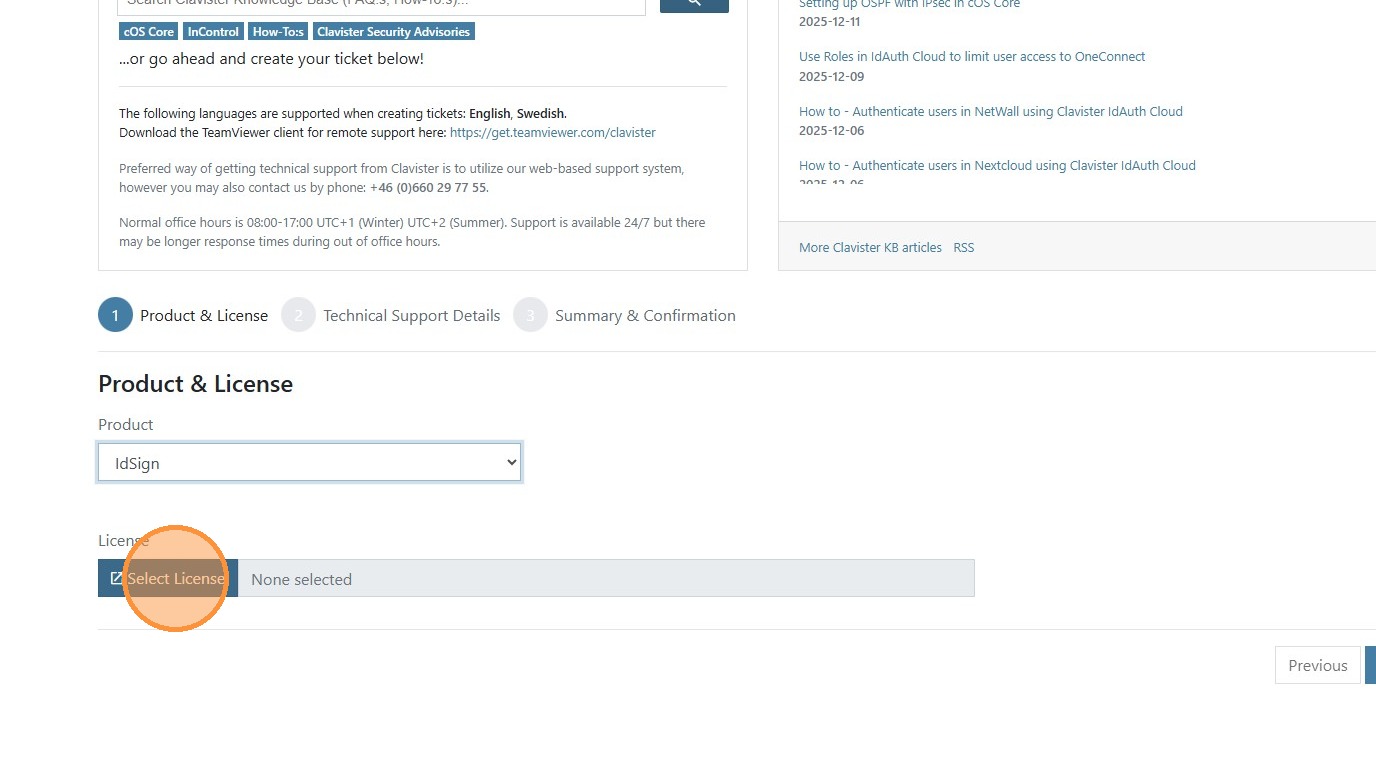
Select what product you want to open a ticket for then select license for that product / installation. Once selected press next.
Fill in Ticket details.
- Catagory
- A short summery of the issue
- A bigger description of the issue. Here you can include for exemple:
- Steps to reproduce the issue
- What have been tested.
- When the issue started
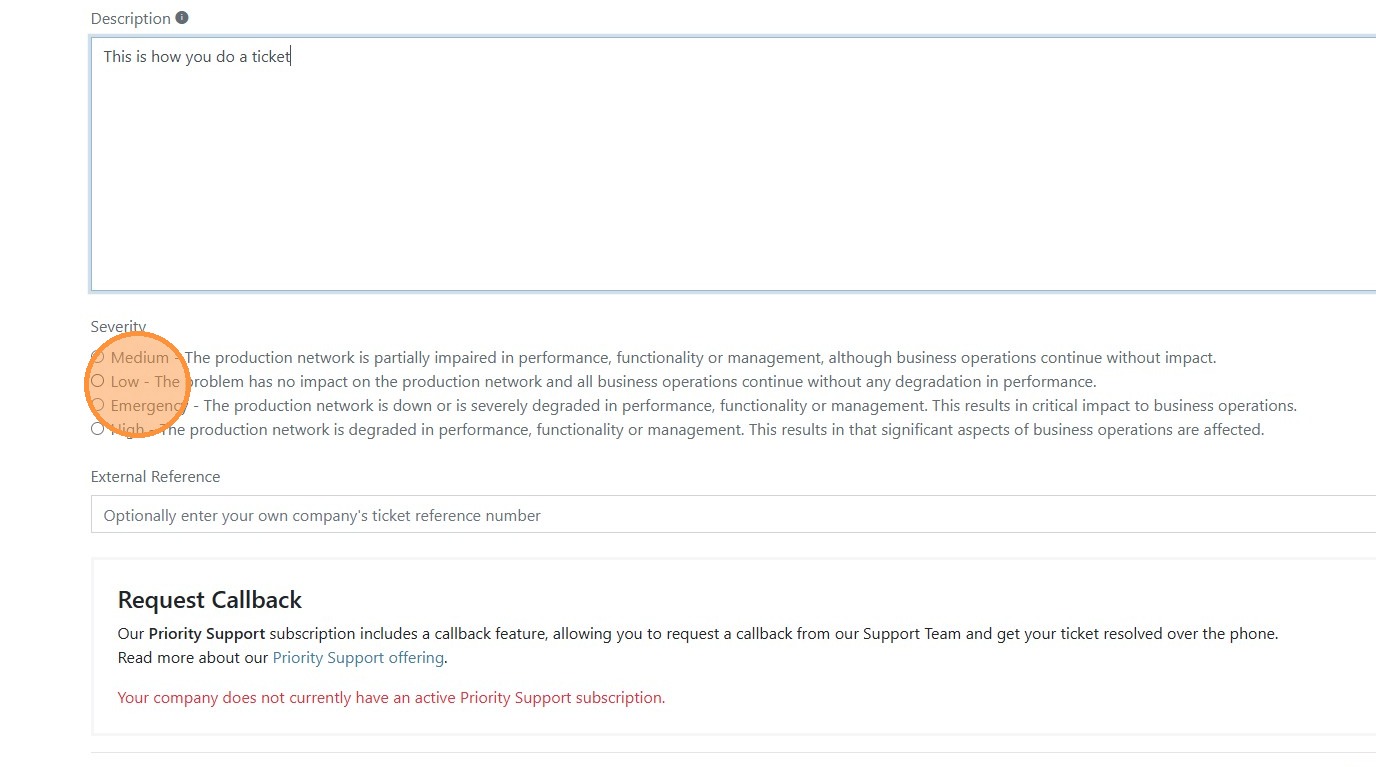
Select the appropriate severity matching the issue.
Once everything is filed in press Next to review your ticket
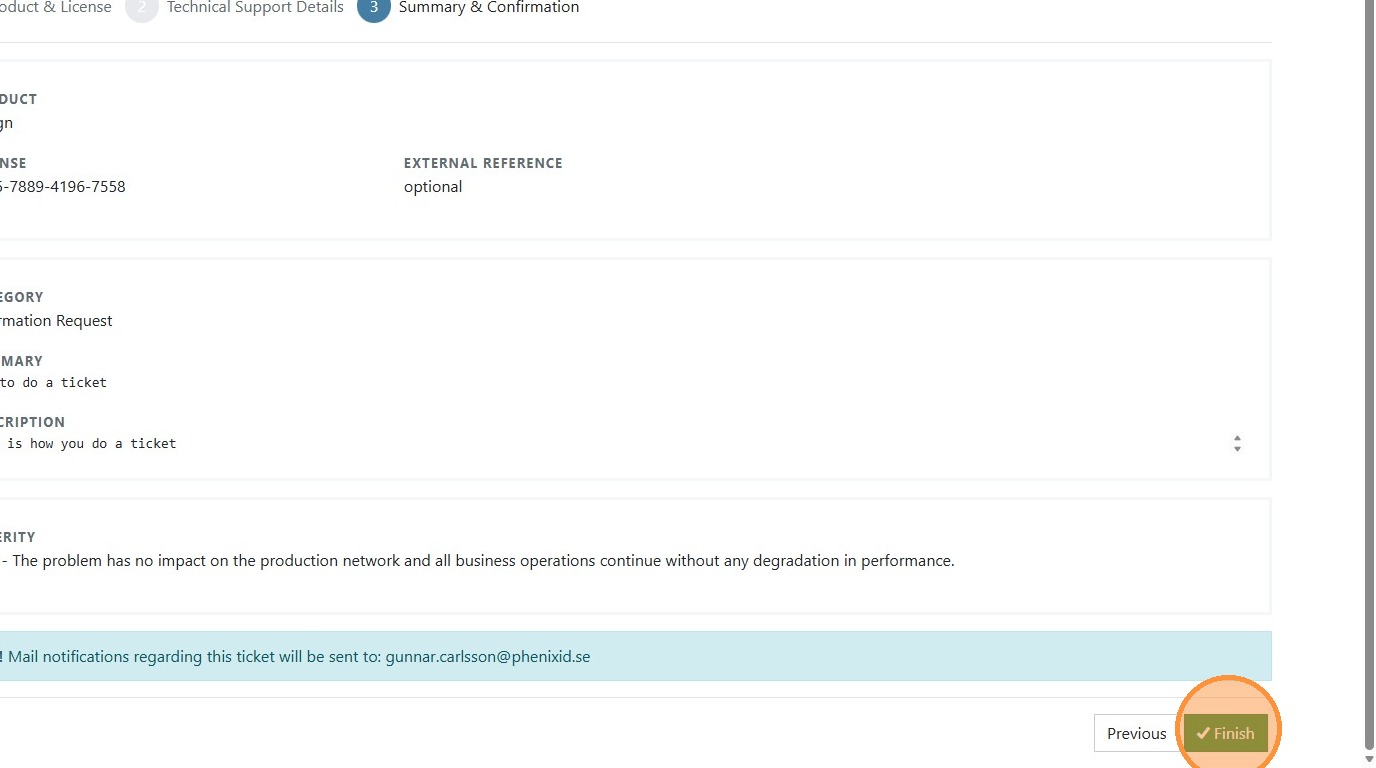
If everything seems correct press Finish
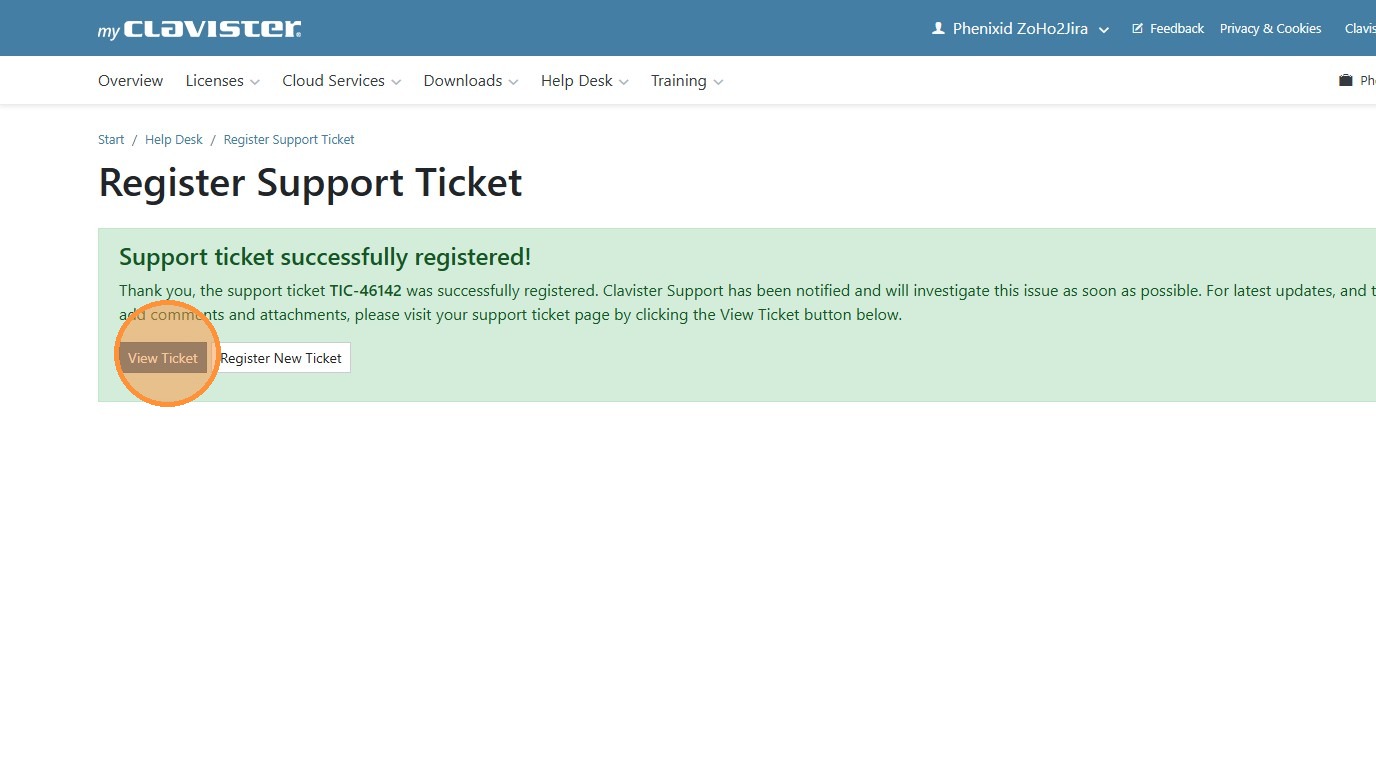
Once the ticket is created you can click view ticket to upload any files that is needed or should be reviewed related to the case