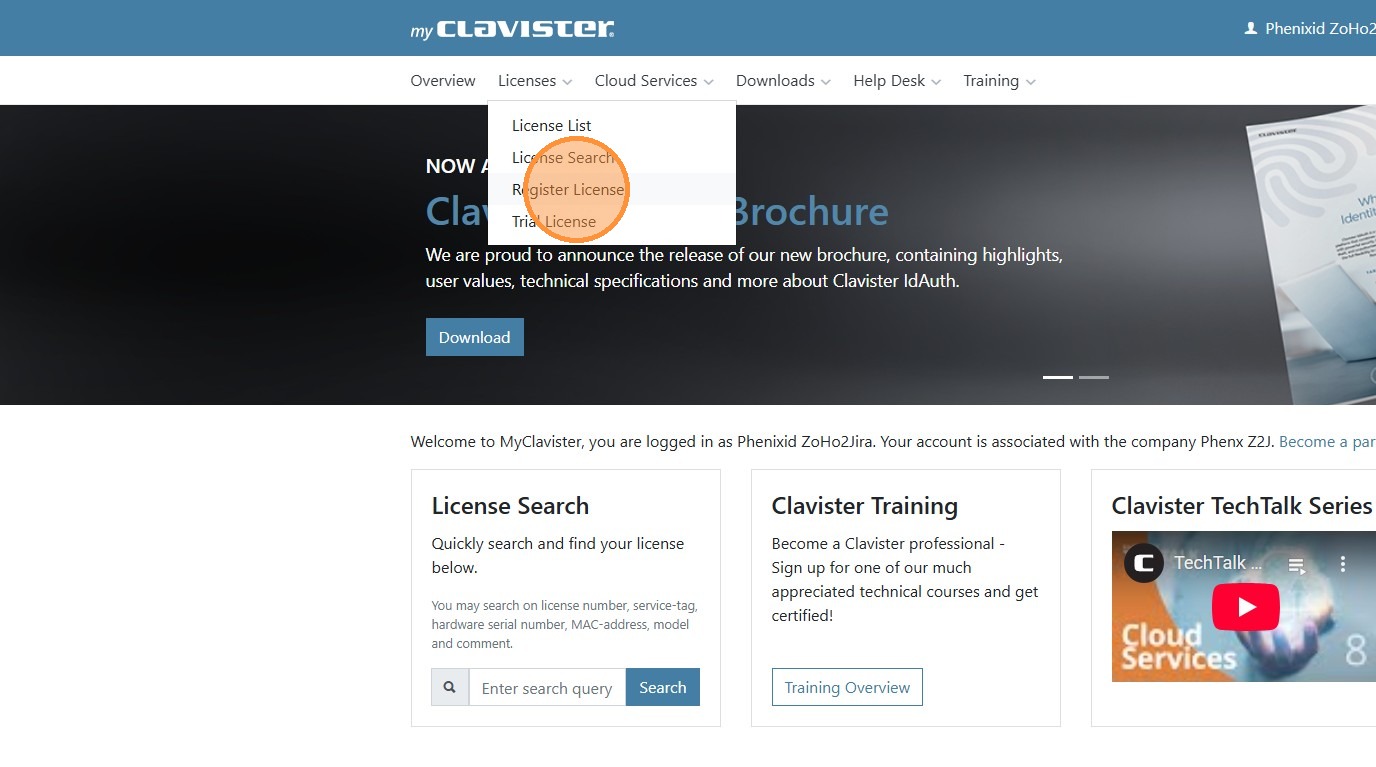
First login in to my.clavister.com and under licenses press register license.
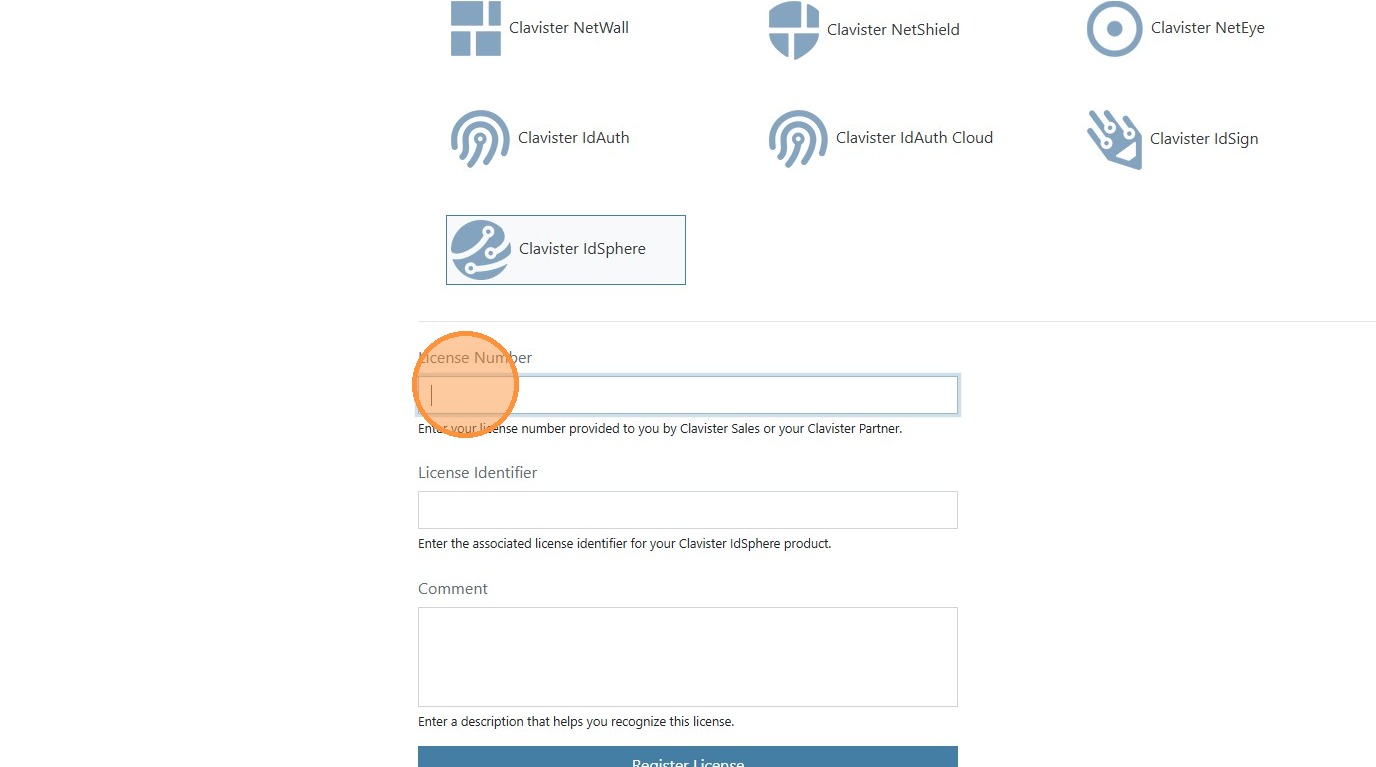
Select the product you would like to register and enter the details. Include a comment if you would like to have it easier to keep track. Once everything is filled in press next and you are done. You can press view license here or go to the license list to view it if needed